Start with text:
Without a reference image, describe the subject, setting, action and camera. Give each clip one main action, then add detail after reviewing the result.
Seedance 2.5 · Video creation
Shape an idea into a shot and build a story through motion. Start with a prompt or reference material in Seedance 2.5, then refine your next video one step at a time.
Planning a product clip, a character action or an atmospheric scene? Decide what matters most: who or what is in the shot, what happens and how the camera moves. A clear goal makes preparing inputs and reviewing results more focused.
Without a reference image, describe the subject, setting, action and camera. Give each clip one main action, then add detail after reviewing the result.
To retain an appearance or composition, prepare a clear reference image. In a mode that supports image input, describe what should remain stable and what should move.
For several clips, define the purpose of each shot first. Make the end of one clip compatible with the beginning of the next, then shape the pacing in an edit.
Seedance 2.5 is an audio-video joint generation model from the ByteDance Seed team. Its official overview describes longer storytelling, reference control and editing capabilities, including generation of up to 30 seconds at once and options to extend a video further.
For a generation task, check the duration, input and output settings available for your selected model and mode. Capabilities described for the model may differ from the options available in a particular interface. Choose your approach before preparing the corresponding materials.
Seedance 2.5 model overview ↗Select “Use Seedance 2.5,” confirm the model and choose an available mode suited to your written idea or reference material.
Enter a prompt and add materials as supported by the selected mode. Specify the subject, action, camera movement and ending while avoiding conflicting instructions.
Check the subject's appearance, continuity of motion, camera changes and ending against your goal. Address the most noticeable issue first and adjust one key factor at a time.
Use “subject and setting → main action → camera movement → ending.” Make one shot clear before adding style and detail.
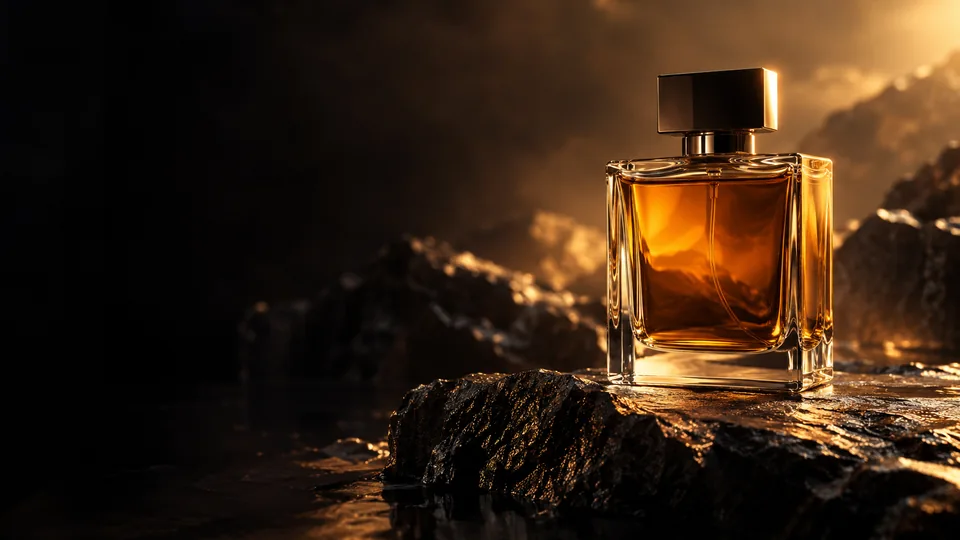
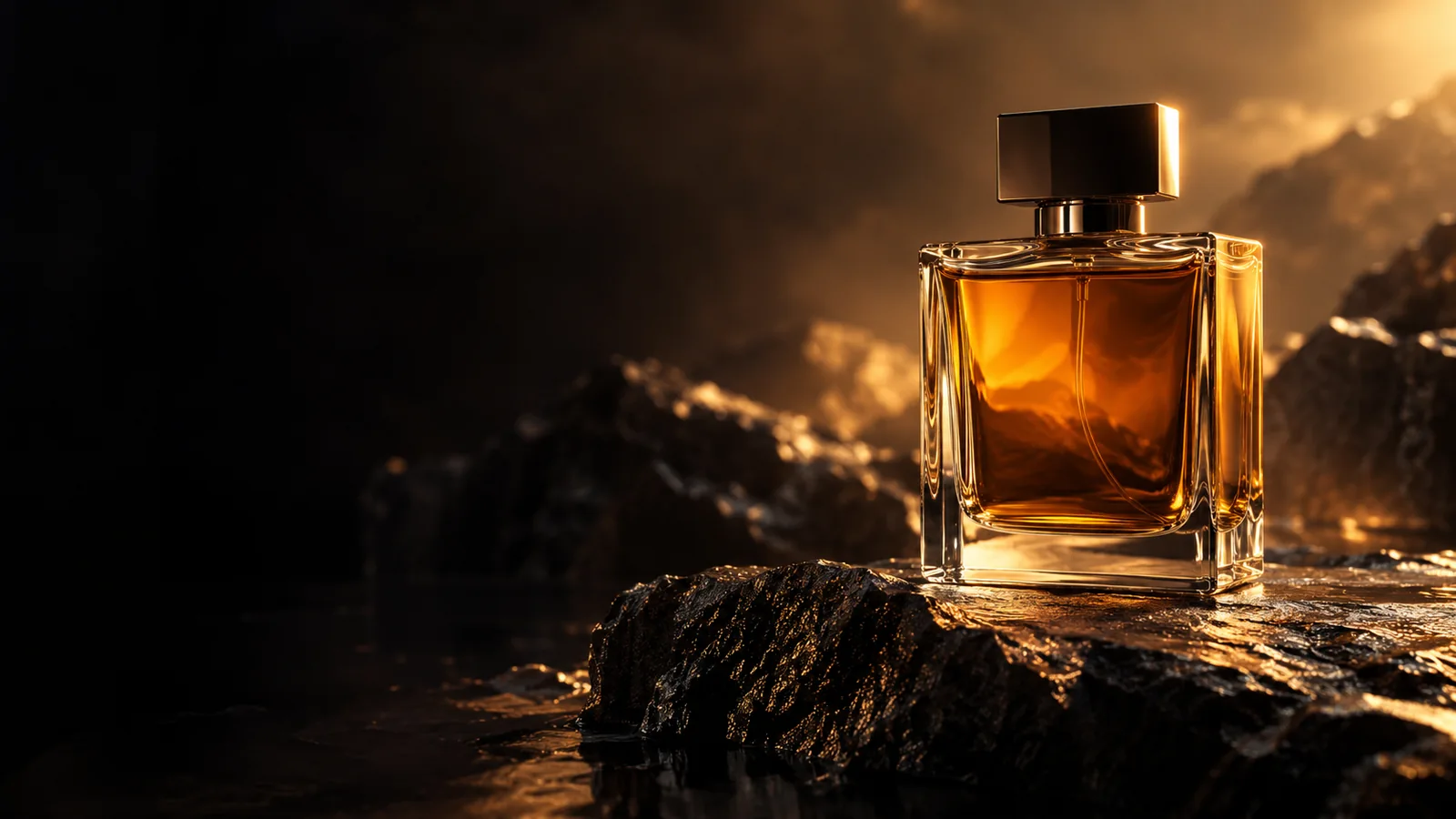
A transparent glass perfume bottle stands still on a dark stone surface. Soft side lighting defines its edges as the camera slowly pushes forward. Keep the background simple. End on a close view of the bottle, preserving the appearance of glass and liquid. Do not generate text.
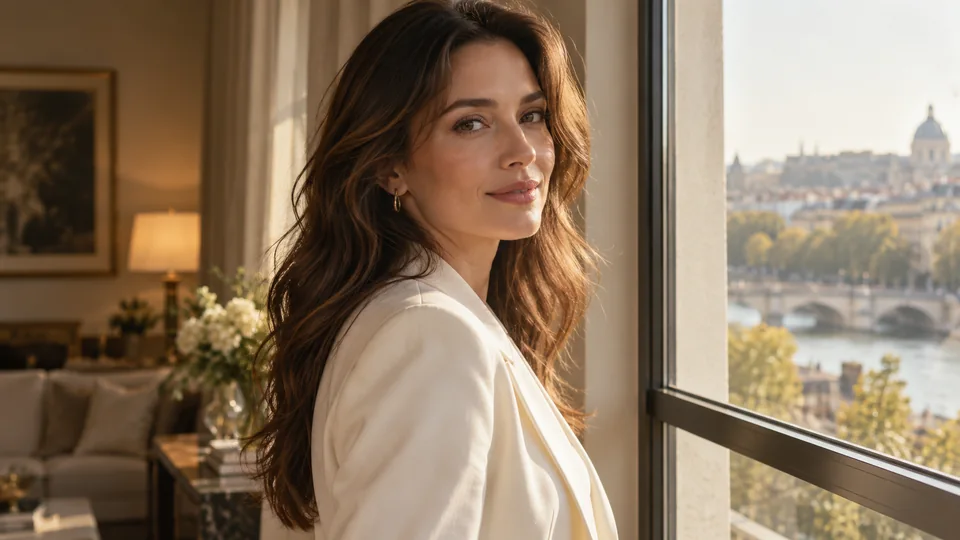
An adult wearing a light-colored jacket stands by a window, looks outside, then slowly turns toward the camera. Keep the camera steady and the light soft. Maintain the same clothing and hairstyle. End on a medium close-up with a natural expression.
These are original prompt ideas, rather than demonstrations of tested outputs. After generating, check the glass edges, face and motion for natural results, then adjust the description. You do not need to add every detail at once.
Prepare for your first video.
Describe your subject, action and camera movement to start creating a video.
Start with a reference image and describe the motion and camera movement.
Plan compatible beginnings and endings across clips.
Choose “Use Seedance 2.5” on this page. Confirm the current model and available mode before entering a prompt or adding the corresponding material.
Prepare a written description and choose an available text-generation mode. A clear subject, setting and action make results easier to review and revise than abstract style words alone.
The official model overview describes generation of up to 30 seconds at once, with further extension options. Check the settings of your current mode for the durations you can select. Interfaces and modes may offer different options.
Check whether the current mode has dedicated first-frame and last-frame inputs. Two reference images do not automatically lock the beginning and ending. For connected clips, also review composition, subject position and the direction of movement.
Identify the clearest mismatch first, such as a changing subject, too many actions or conflicting camera instructions. Simplify the description, keep one main action and adjust inputs in stages. Split a complex process into several clips when needed.
Begin with a clear idea, then refine the image, action and camera movement.
Use Seedance 2.5