
Bring product details into focus: To draw attention to material, shape or structure, consider keeping the subject steady and guiding the viewer with a slow camera movement.
Seedance · Image to video
Give a still image a story that continues. Start with a product image, portrait or scene, describe the action and camera movement you have in mind, and begin your next video.

An image provides clues about the subject and composition, while your words describe what should change. Start with one main movement goal before adding detail so you can judge whether the result matches your idea.
Bring product details into focus: To draw attention to material, shape or structure, consider keeping the subject steady and guiding the viewer with a slow camera movement.
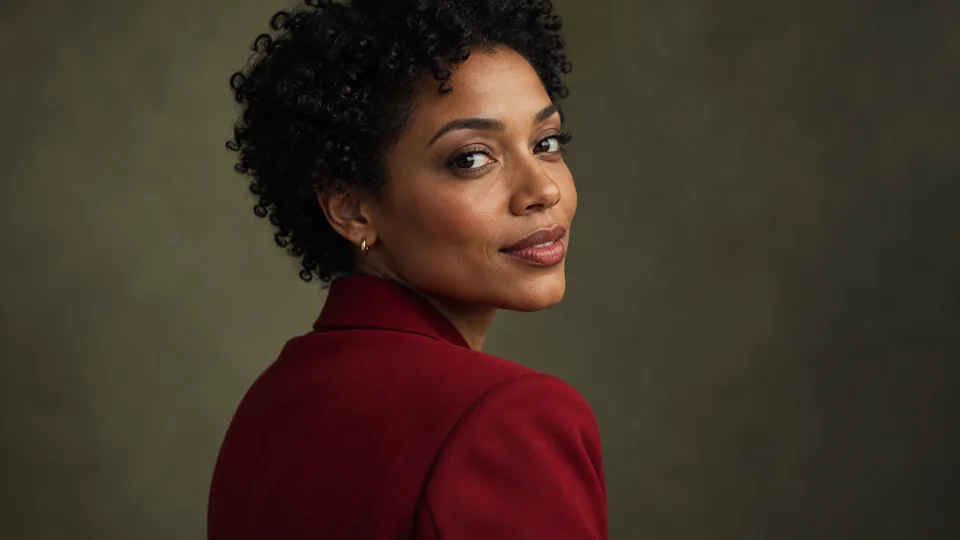
Continue a character moment: Start with a clear portrait and plan a small, natural action, such as a head turn or a lifted gaze. Specify the clothing and hairstyle you want to retain.
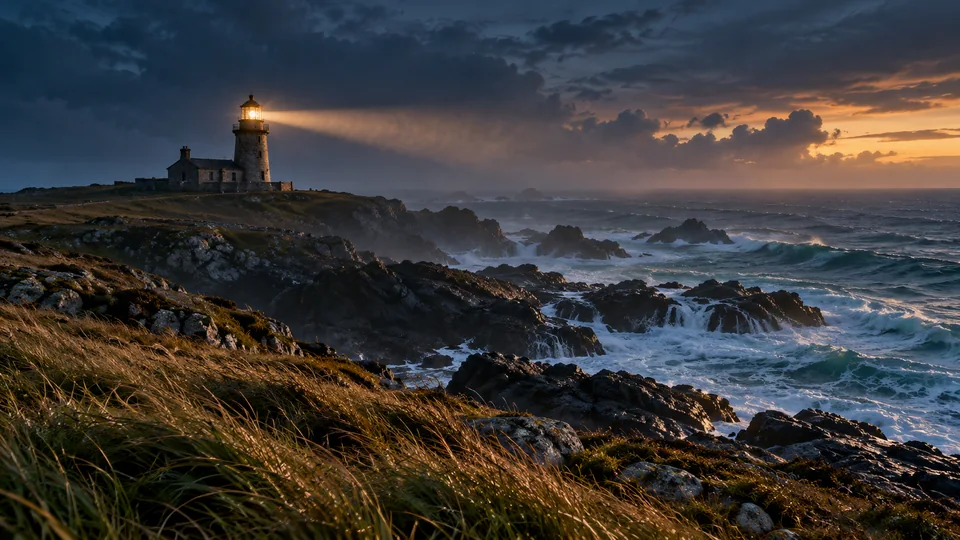
Add atmosphere to a scene: With a composition already in place, begin with subtle movement in water, leaves or light before deciding whether you need a larger camera move.
A clear subject: Make the person or product easy to recognize. With several similar subjects, identify the main one in your description rather than asking every part to perform complex movements at once.
Room in the composition: Imagine whether the subject will stay in frame as the camera changes. Hands, product details or the top of a head close to the edge may call for a different crop or a smaller movement.
References that match your words: If the image shows a side view but the prompt asks for a complete rear view, consider whether the material supports the goal. Begin with what is clearly visible before attempting more complex changes.
Check the current settings of your selected model and mode for input formats, image counts and output options.
Choose an image-input mode: Select Use Seedance, confirm the model and choose an image-input mode currently available.
Add your image and describe the change: Add the image as required by the interface. Describe the main action, camera movement, appearance to retain and ending.
Review the result in stages: Check for changes to the subject first, then inspect movement, edges and the ending. Focus each revision on one main issue.
These images and prompts help you plan a creative direction. The images are labeled “Creative inspiration”; they are not before-and-after generation results.
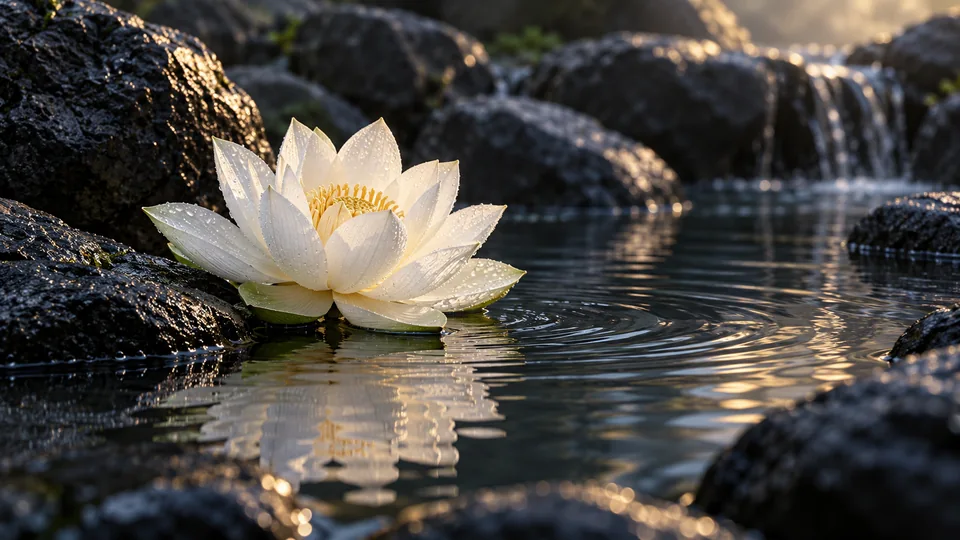
Scene: A white lotus with water droplets, surrounded by dark stone and water.
Motion goal: Keep the flower and composition steady while small ripples appear in the water.
Prompt: Keep the white lotus in the reference image in its original position and preserve the shape of its petals. Keep the camera fixed. Small ripples slowly appear in the surrounding water as reflections shift subtly. Keep motion restrained. Do not rotate the flower or add other flowers. Let the movement settle toward the end.
What to check: Changes to petal edges, droplets or flower count, and water movement that travels too far.
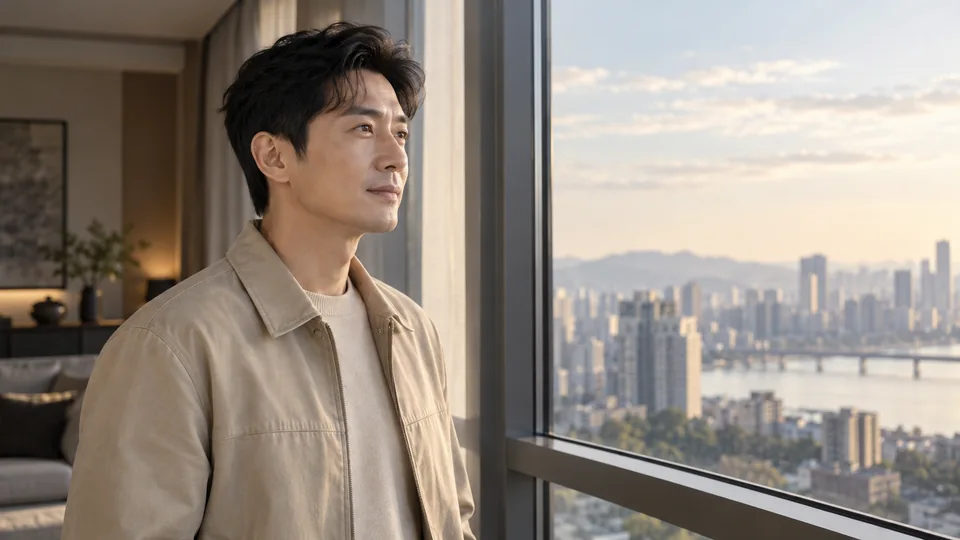
Scene: An adult wearing a light-colored jacket stands by a window.
Motion goal: Keep the body largely in place while the gaze moves slowly from outside toward the camera.
Prompt: Use the adult in the reference image as the subject, retaining the jacket, hairstyle and window-side composition. The person looks outside, then slowly turns their head toward the camera with a natural expression. Keep the body position steady and the camera still. Use soft light and hold briefly at the end.
What to check: Stability of the face and hair, natural shoulder and neck motion, and background distortion during the turn.
These are original prompt ideas, rather than guarantees based on tested outputs. Keep one action first, then adjust the description and image based on the actual result.
Image references provide visual guidance for generation. First-and-last-frame control requires dedicated inputs in the selected mode. Uploading two images should not automatically be interpreted as locking the start and end of a video.
For connected clips, plan compatible subject positions, screen directions and action states before checking how the results join.
Explore first and last framesExplore Seedance text to videoPrepare one clear reference image and a movement goal, then check the image-input modes offered by the current model. The mode determines whether additional materials are needed and how many images you can add.
That cannot be guaranteed. Generation may change the subject's appearance or details. Reduce the movement range, identify what should be preserved, and review each result.
Briefly identify the main subject, but focus on the intended action, camera movement and ending. Avoid unnecessarily long or conflicting instructions.
Check for dedicated first-and-last-frame features in the current mode. Ordinary image references and endpoint control are different settings. Review the actual result after generation.
Check image clarity and whether the subject is obscured, then reduce turns, rotations or fast camera movement. Change one key condition per iteration to help identify whether the issue comes from the image or description.
Choose a frame, describe the change, and refine the action and camera movement with Seedance.
Use Seedance